
Here’s a quick step by step guide for our critical care nurses using the Edward’s minimally invasive set up with the Flotrac system for hemodynamic monitoring and fluid responsive test.
1 press the power button
2. enter and confirm patient demographics


.
3. select monitoring technology
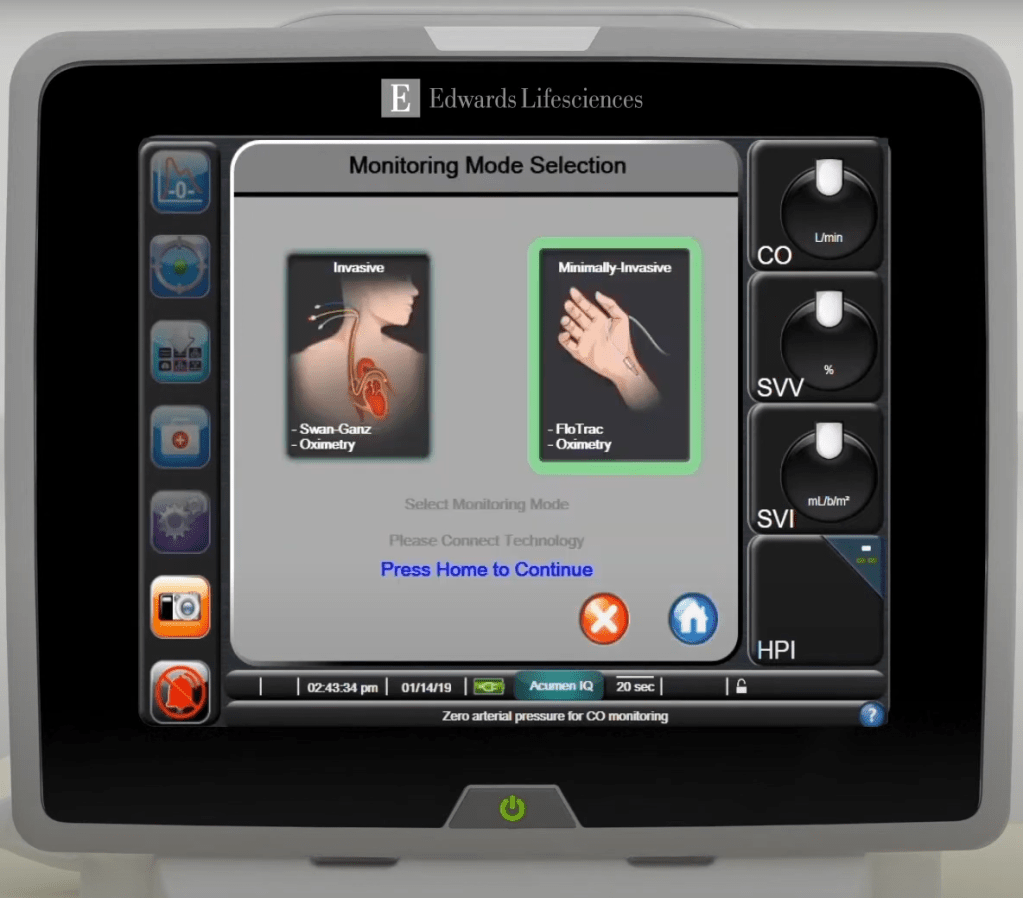
.
4. open acumen iq sensor setup
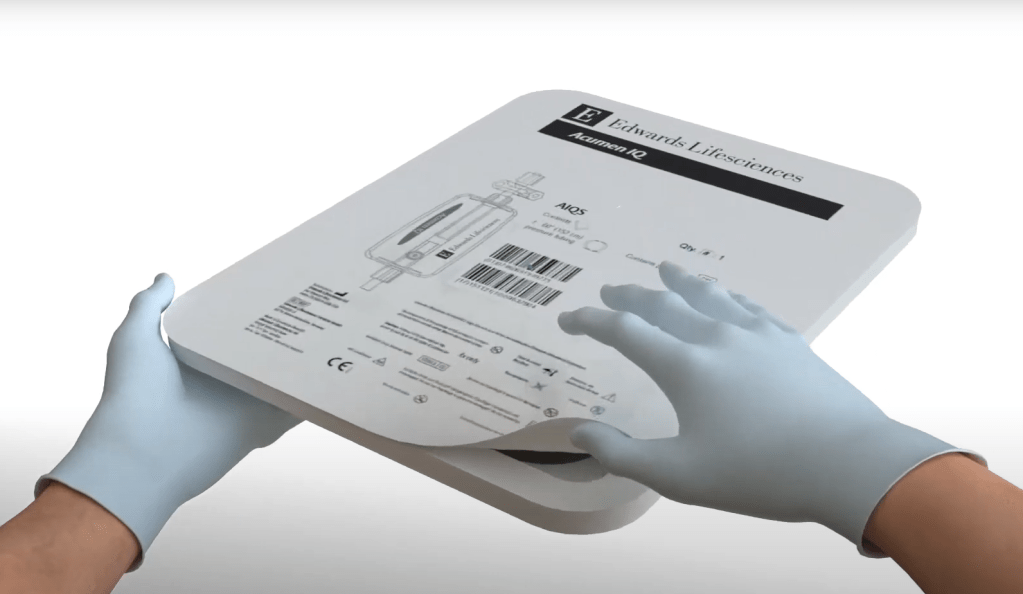
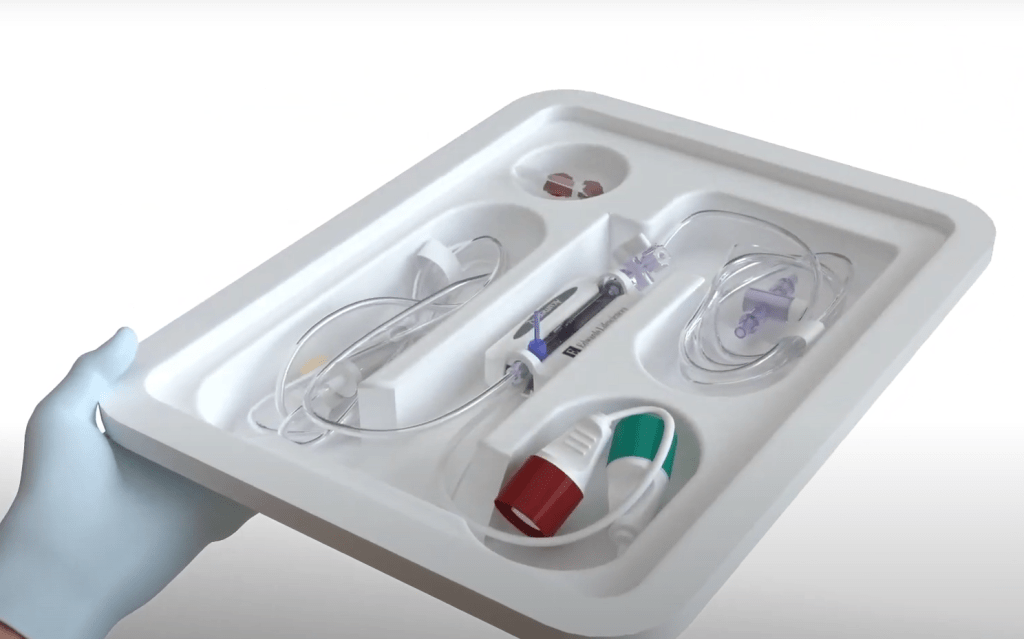
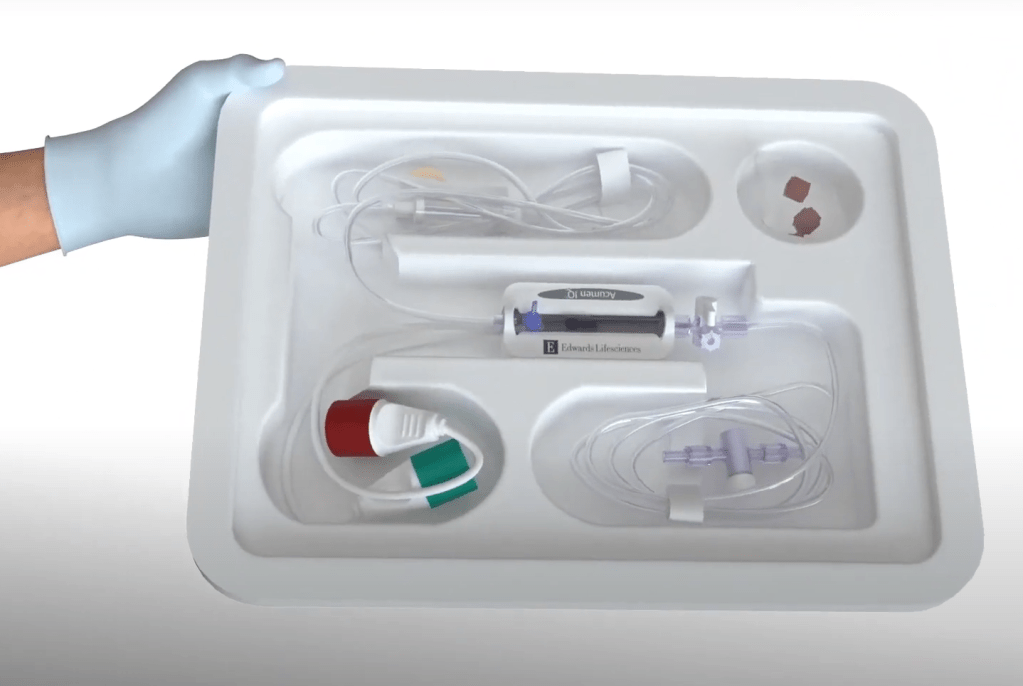
.
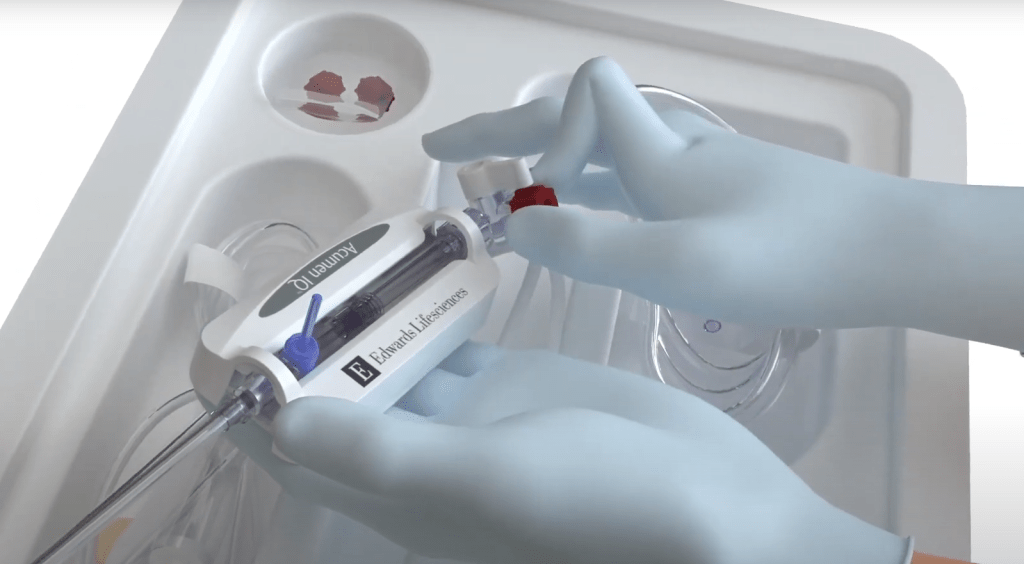
5. replace all caps with non-vented caps
.
6. mount acumen iq on an IV pole using appropriate holder

.
7. prime while pulling flush tab


.
8. pressurize bag until it reaches 300 mmHg
.
9. connect bedside monitor with the red cable connector on the acumen iq sensor, the green to acumen/flotrac

.
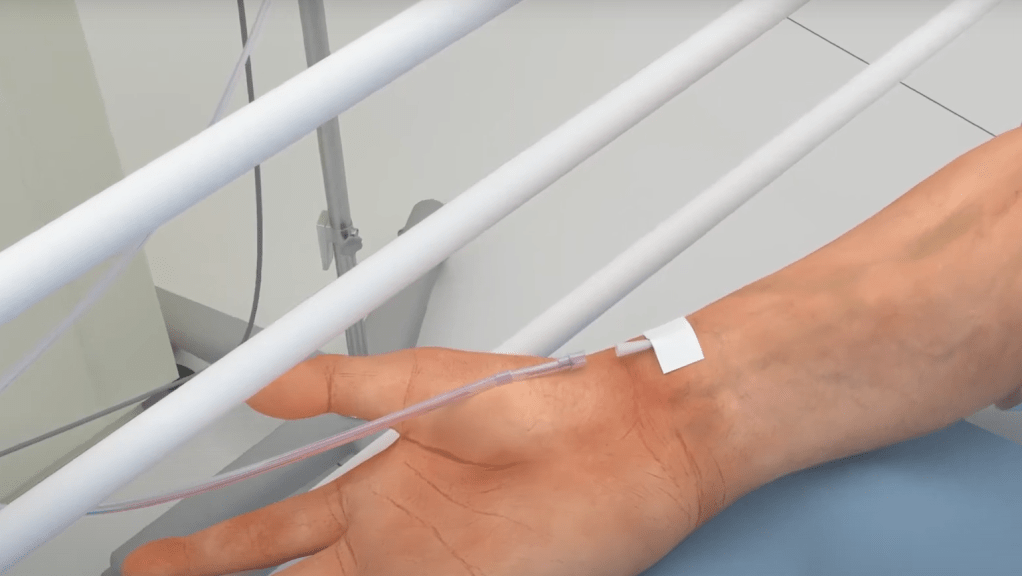
10. when the Dr. has successfully inserted the arterial line, ready to hand the end of the arterial set up tubing from the pressure bag to connect to the arterial catheter
.
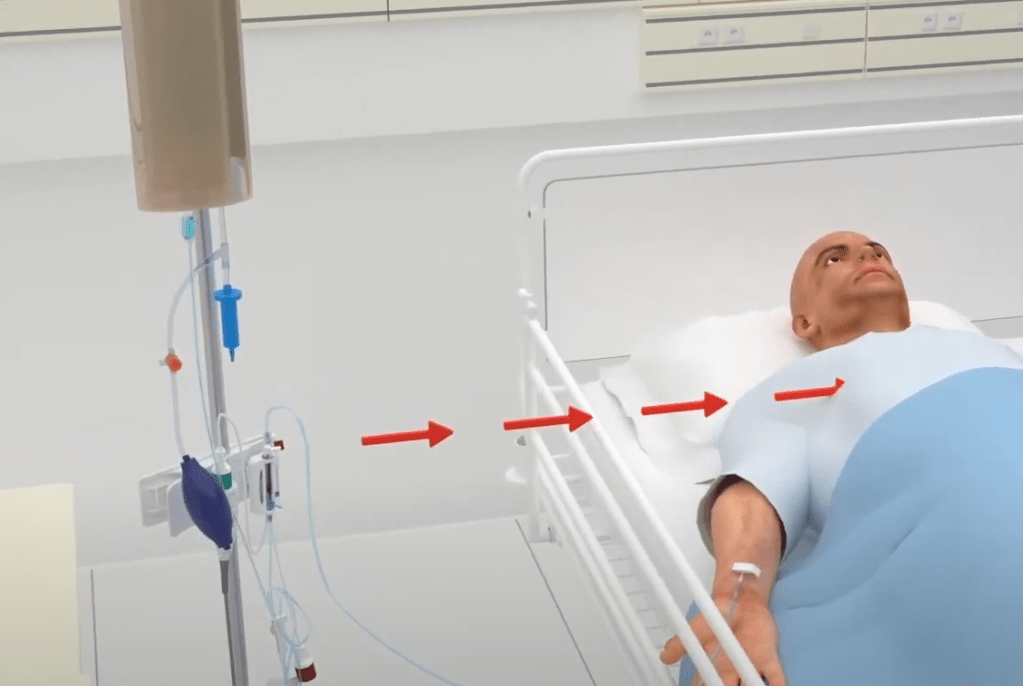
11. level the acumen iq sensor to the flebostatic axis

.
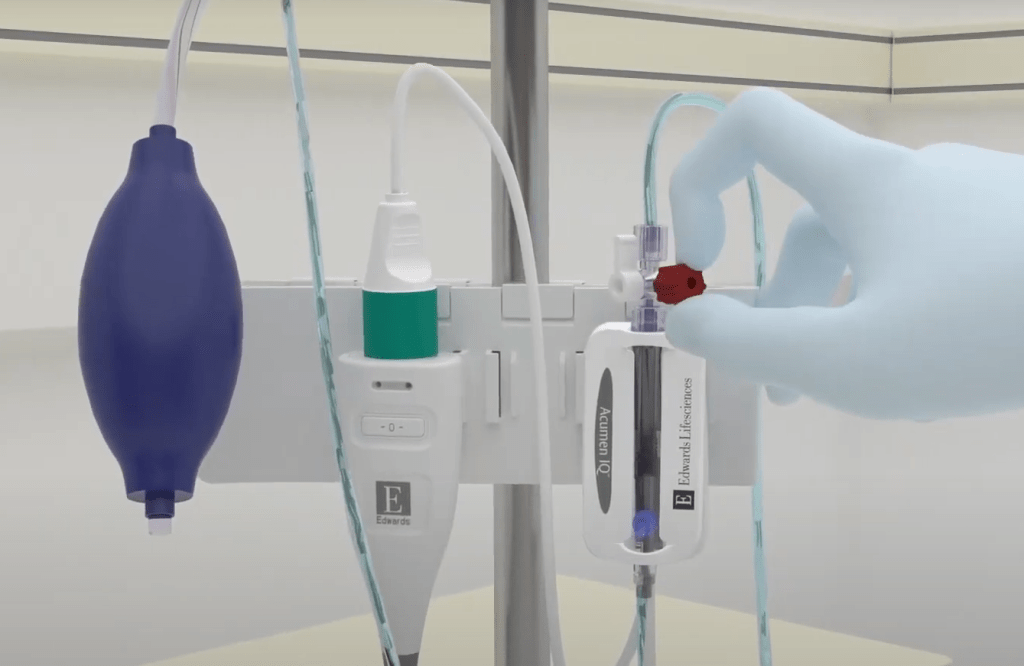
12. open the acumen iq sensor to atmospheric air
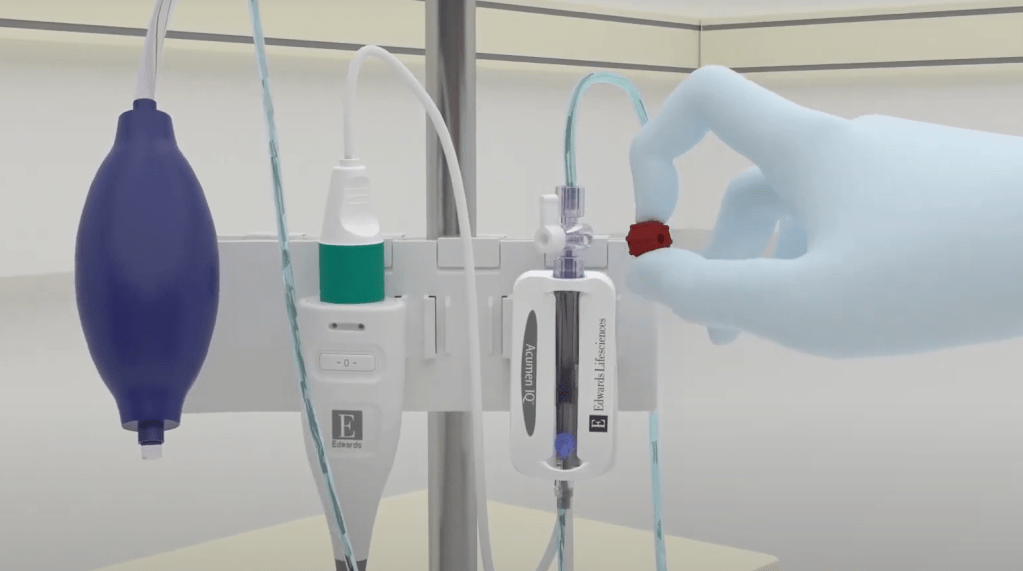
.
13. hold down the zero button for three second to pull the zero screen
hold an additional three second to zero, at the same time zero the bedside monitor
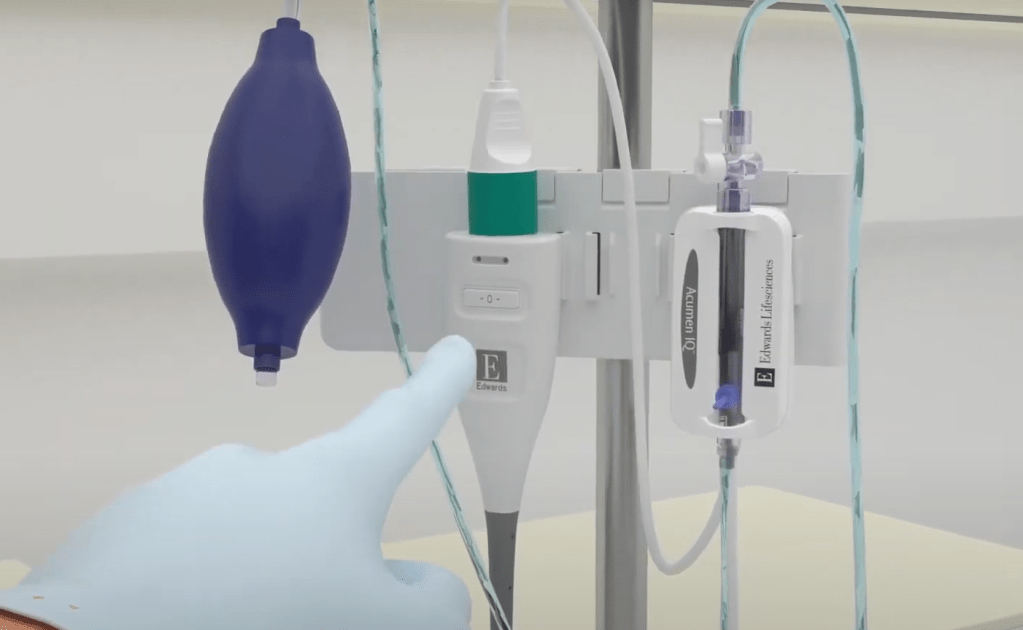
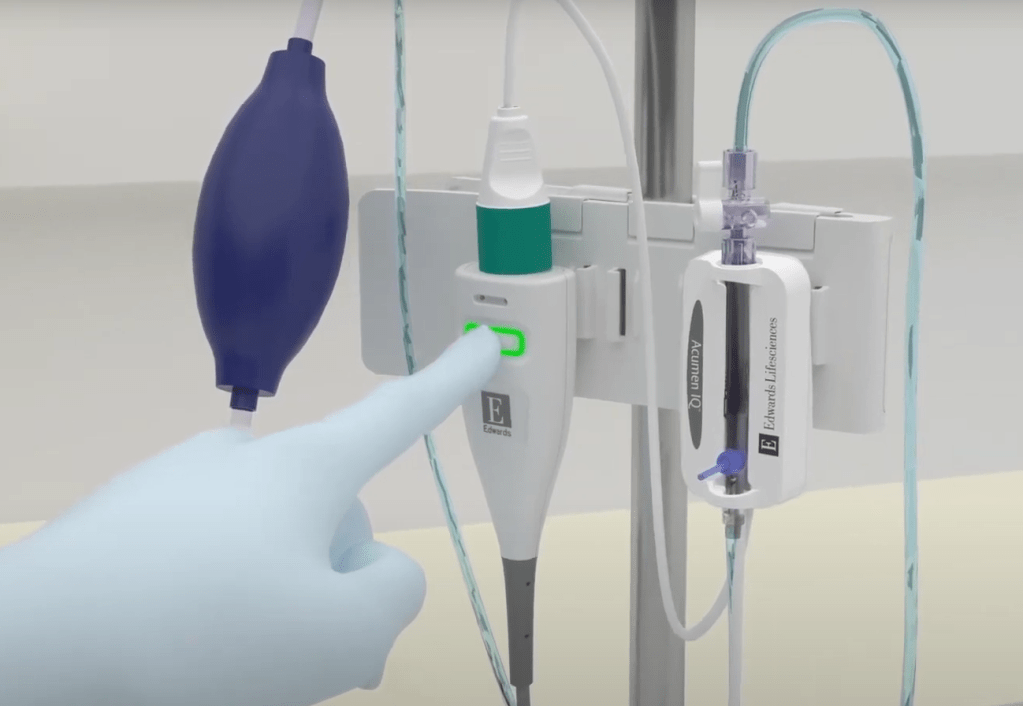
.
14. return stopcock to original position and replace cap

.
cardia output will show and will update every 20 seconds
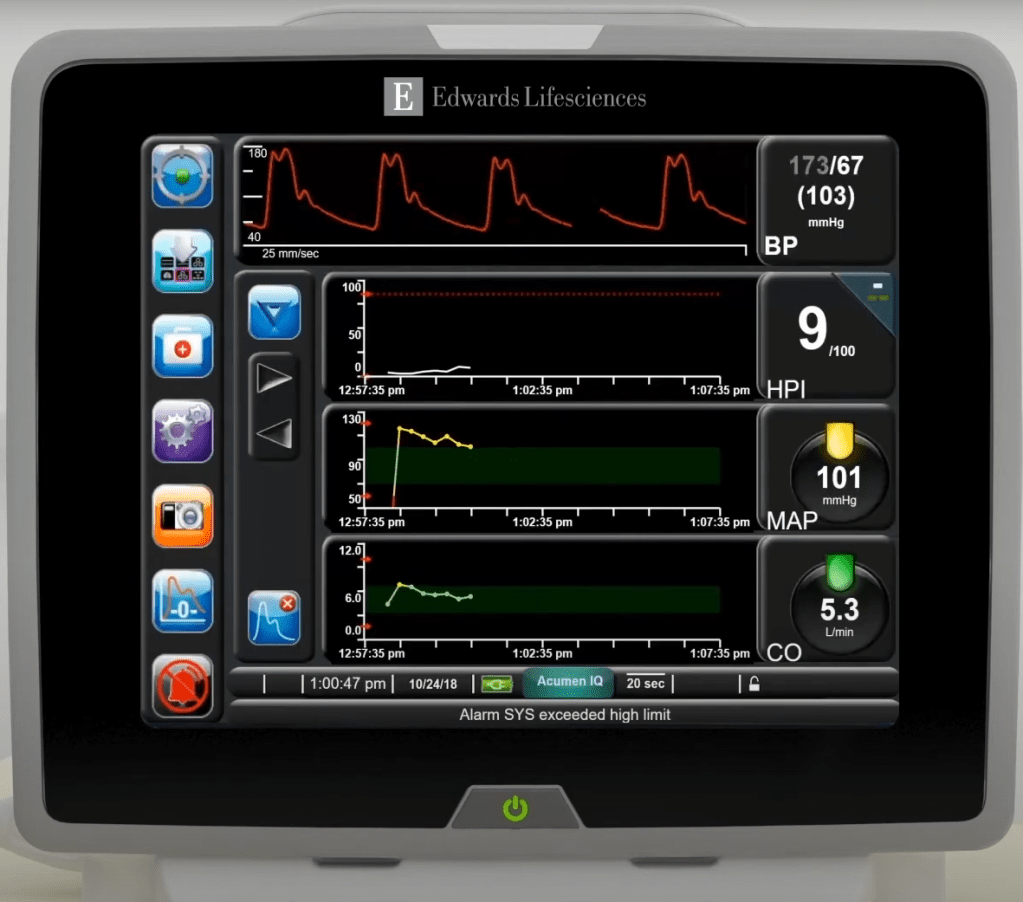
.
Watch Acumen IQ setup | https://www.youtube.com/watch?v=6-qyw4cXUZ0 |
 Code Team Pearls
Leave a comment